

 Swiggy
LOOT NOW: 2 Month YouTube Premium For FREE ! 2 Coupon Codes
FREE₹499
Opens the store in a new tab.
FreeKaaMaal® · Serving cashback to 10 lakh+ users
SwiggyOpens the store in a new tab.
FreeKaaMaal® · Serving cashback to 10 lakh+ users
Step 1 - Click on the Shop Now button or open the Swiggy app directly in your phone.
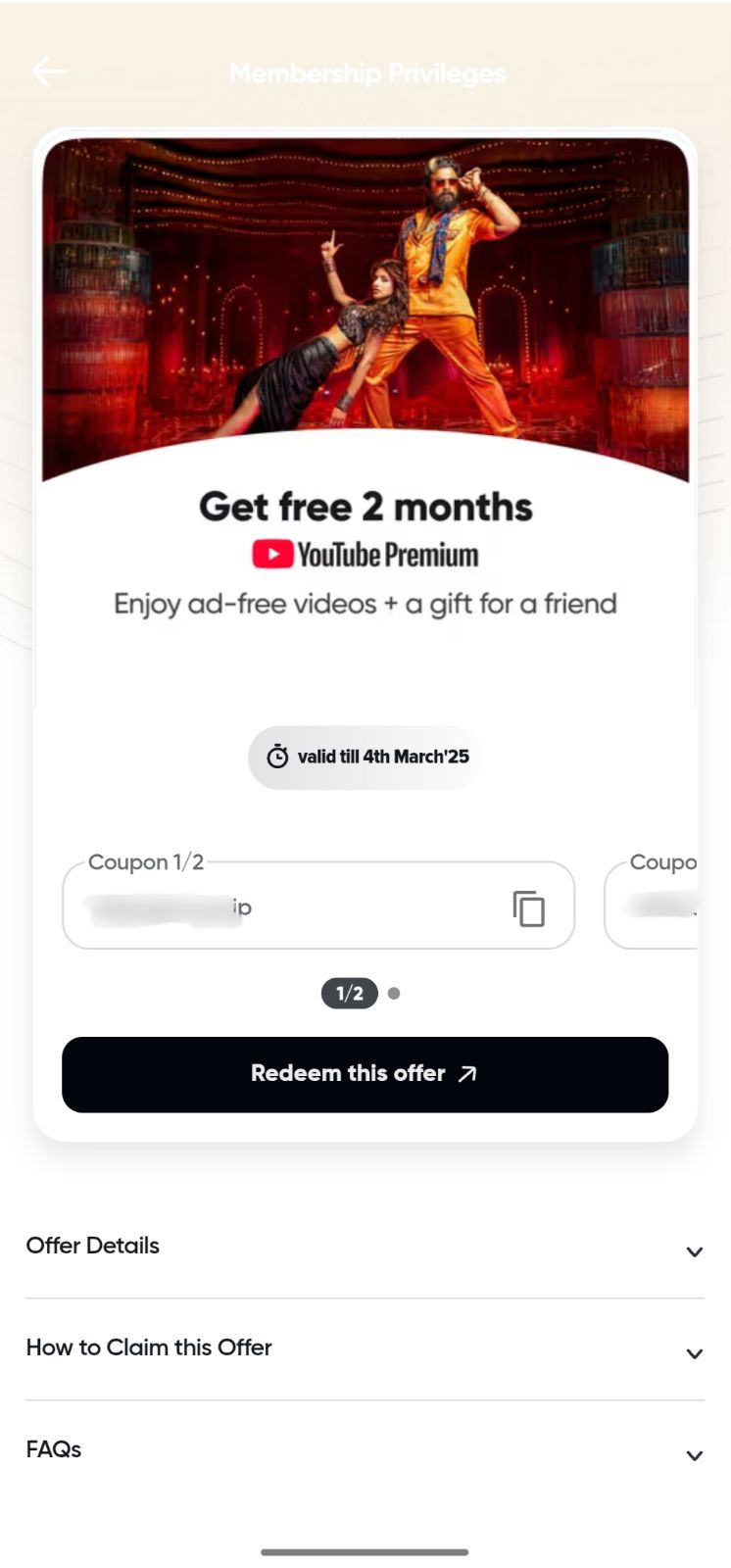
Step 2 - If you are a Swiggy One or One Lite member, click on One section and you will see the YouTube Premium offer.
Step 3 - Click on the Redeem Now button and copy the code.
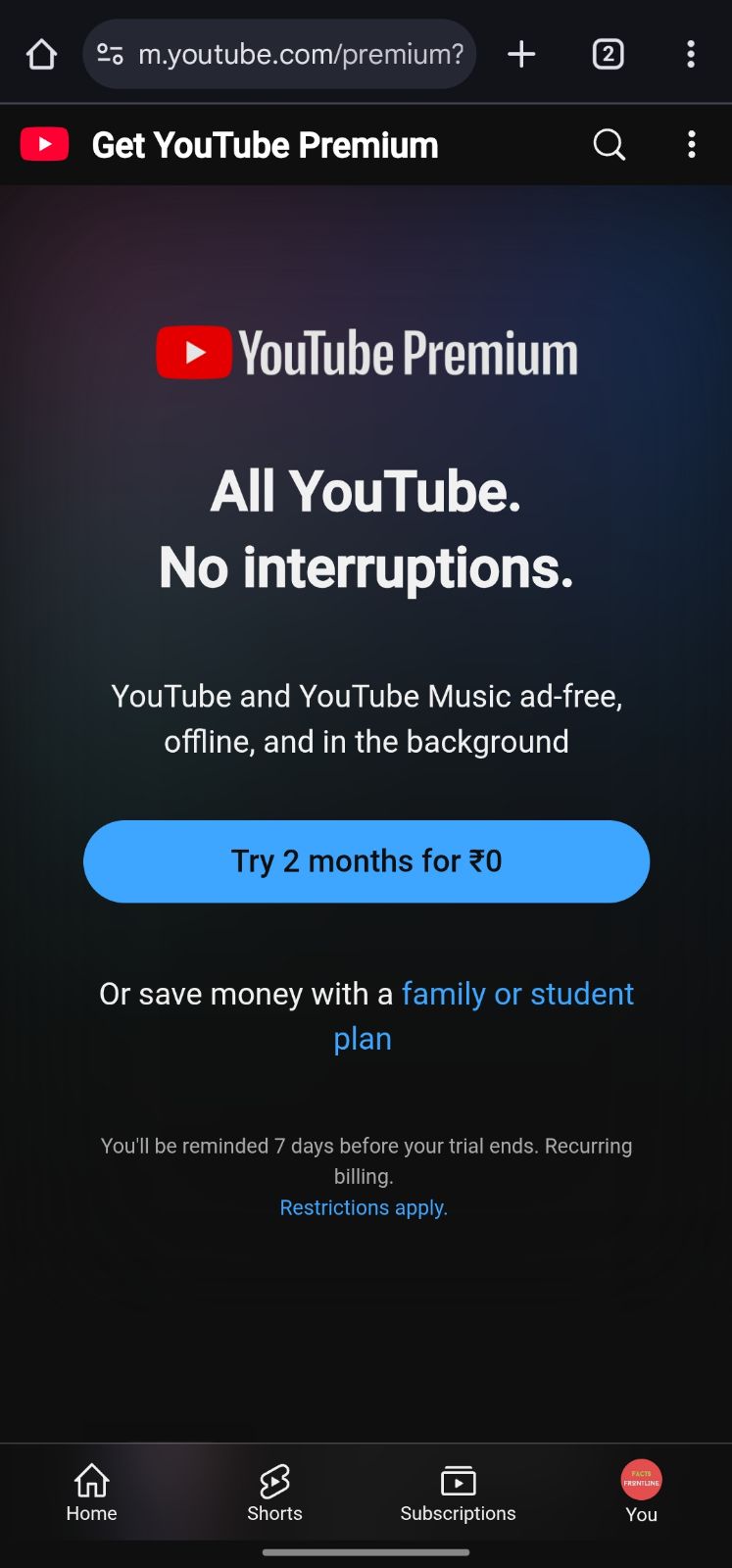
Step 4 - Now, you will be redirected to the youtube premium page, apply the coupon and claim the membership.
Step 5 - Done, enjoy your membership.

 100% off
 88% off
 70% off
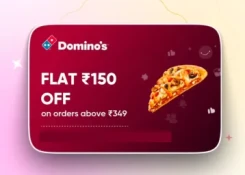 43% off
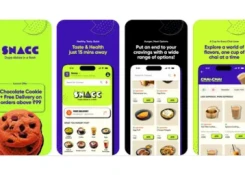 48% off